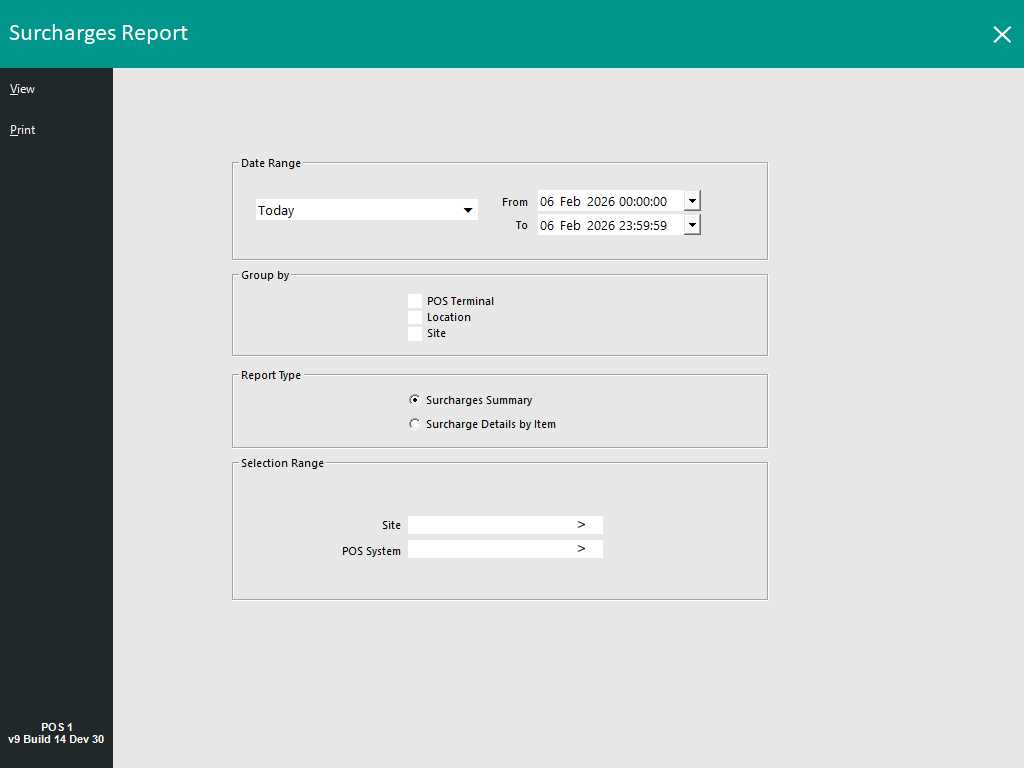
A Surcharges Report is available which can report on Automatic Surcharges that were applied to sales.
To run the report, go to: Back Office > Reports > Sales > Surcharges.
This report will enable reporting on Automatic Surcharges that have been applied to sales.
Note!
This report will display Automatic Surcharges that were applied to sales that took place after installing/upgrading to v9 Build 14 or newer.
Any sales that had Automatic Surcharges applied to them while running v9 Build 13 or older will not be included in this report!
The following options are available in the Surcharges Report:
Surcharges Summary:

Surcharge Details by Item:
